
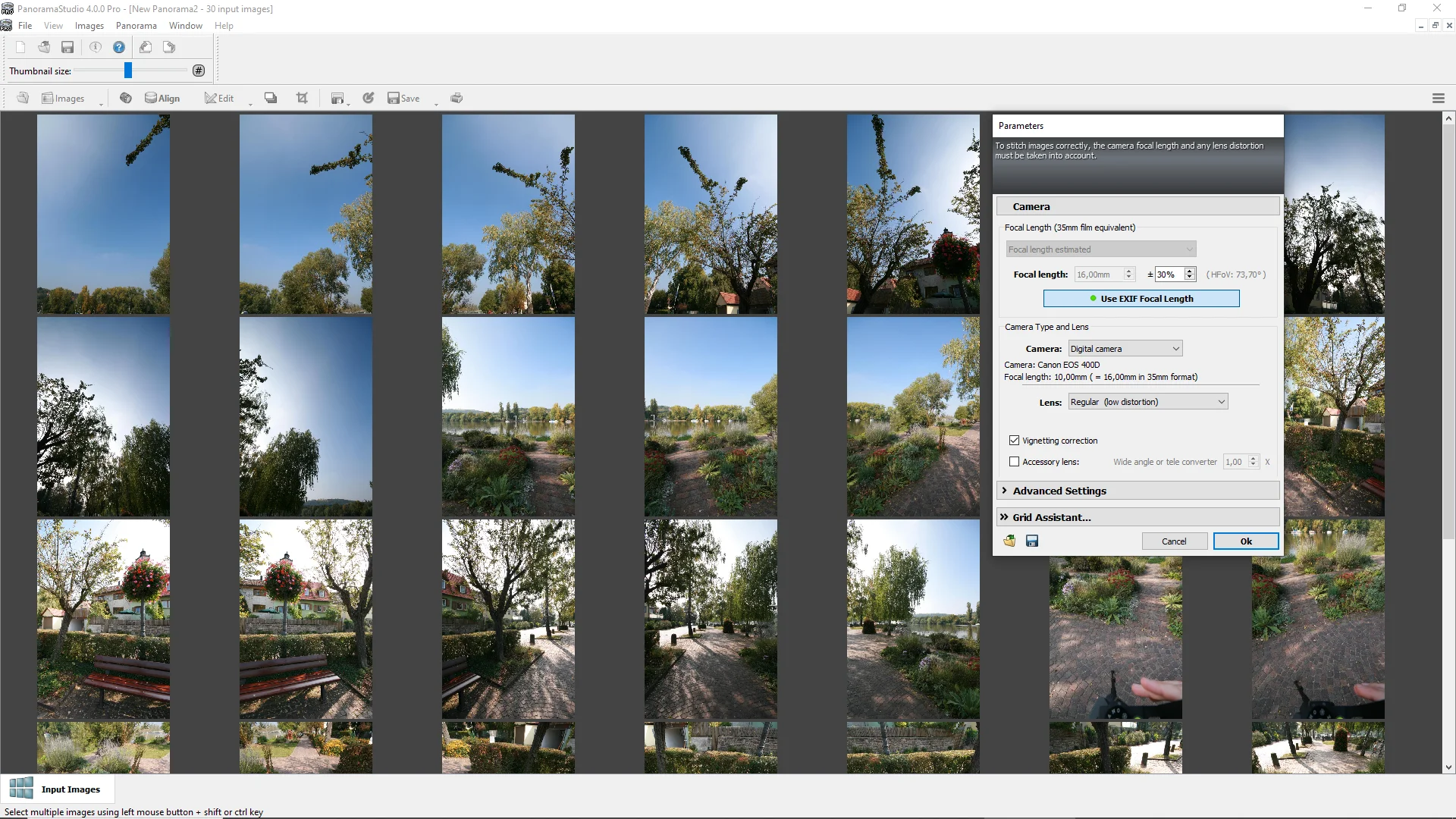
 PanoramaStudio already recognizes more than 2700 cameras automatically. If required, camera specifications, focal length and lens properties can also be set manually.
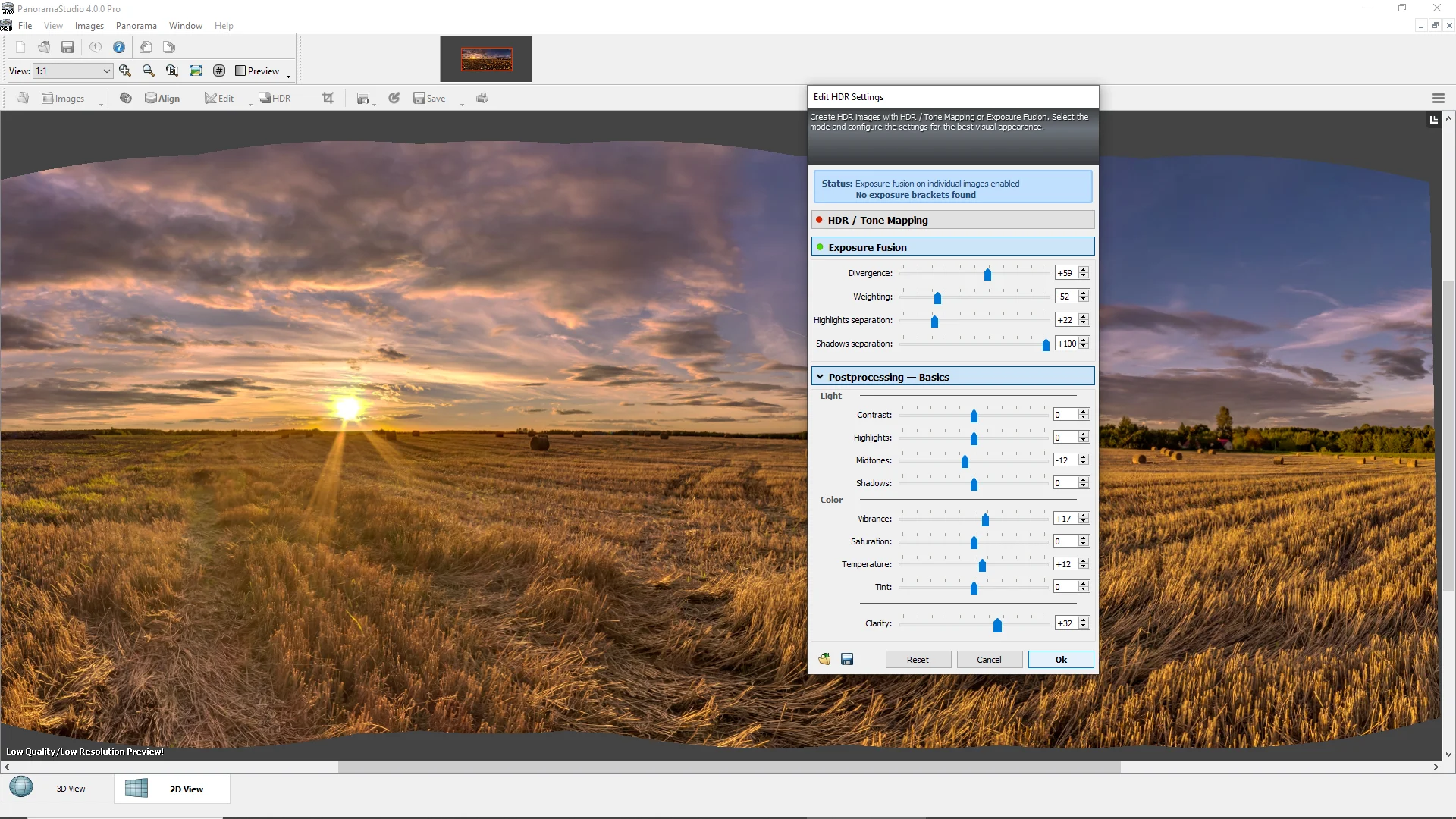 In the PRO version, HDR/Tonemapping parameters and elementary image processing filters can be configured both before and after rendering with real-time preview.
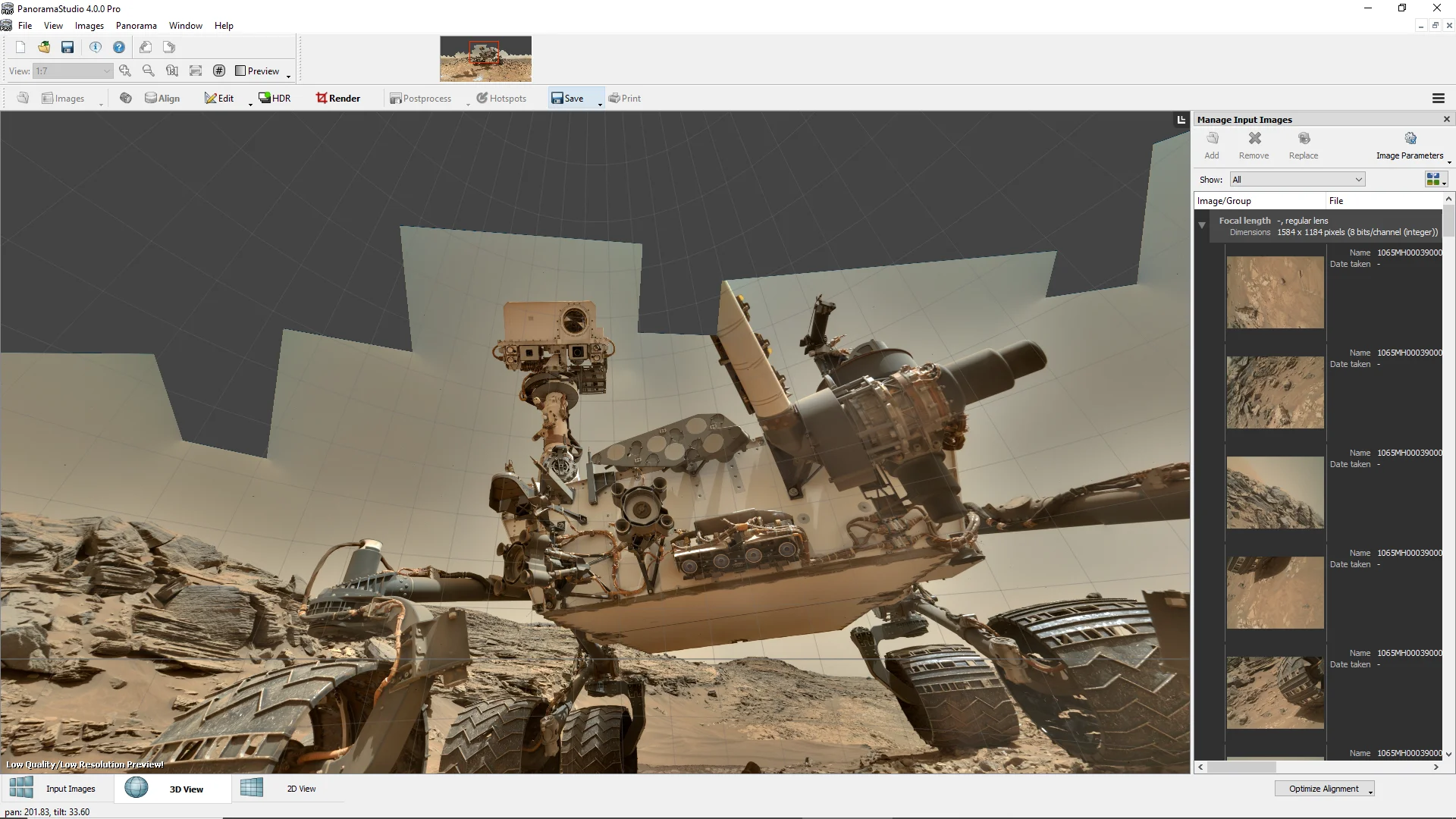 PanoramaStudio can display an approximate preview of the panorama in 2D or 3D immediately after aligning the images.
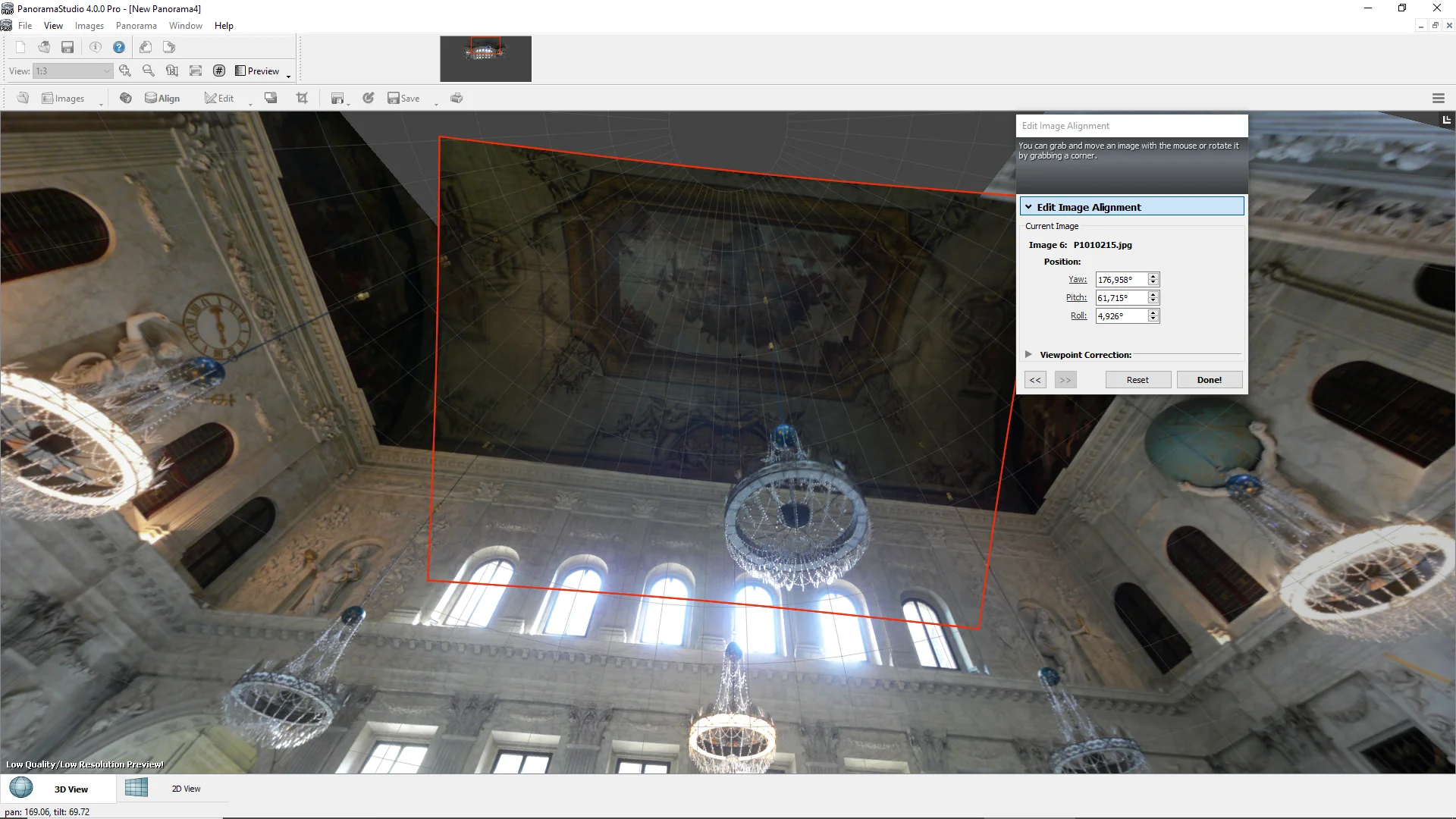 Manual editing of the image alignment in PanoramaStudio.
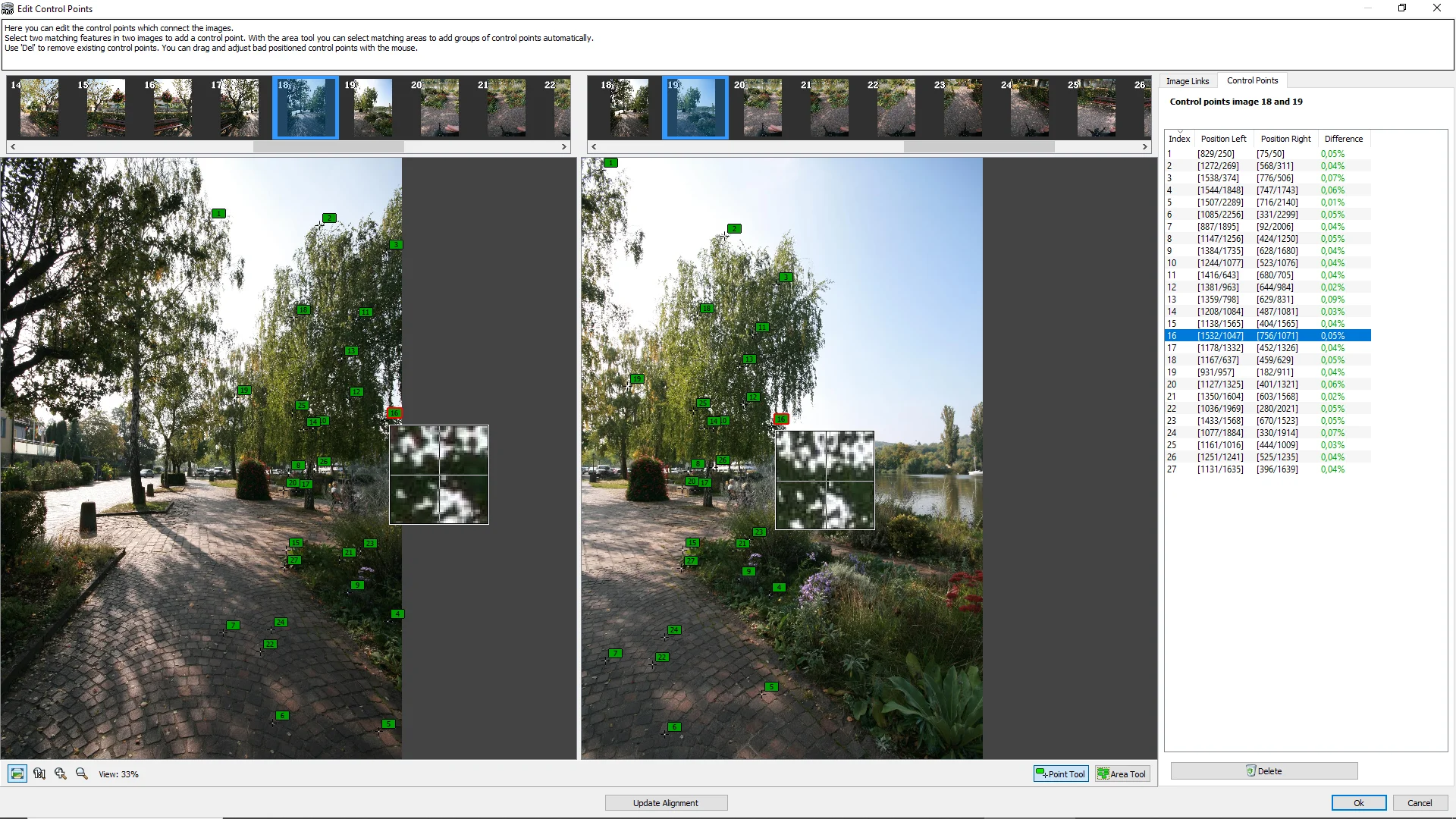 Editing the image alignment with the control point editor.
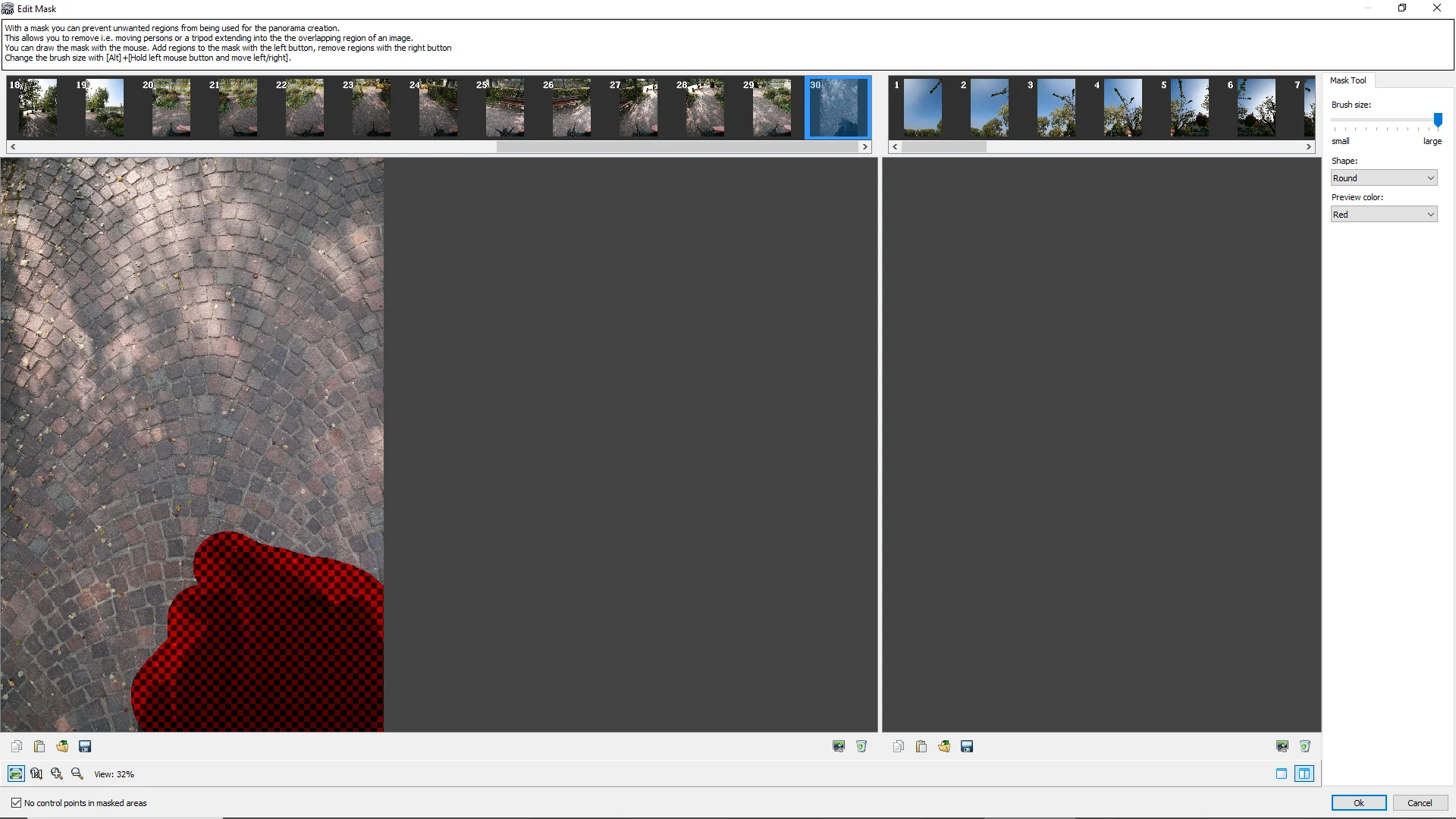 The masking tool can be used to remove unwanted parts from the panorama.
 The automatic exposure adjustment perfectly adapts the brightness of the images to each other.
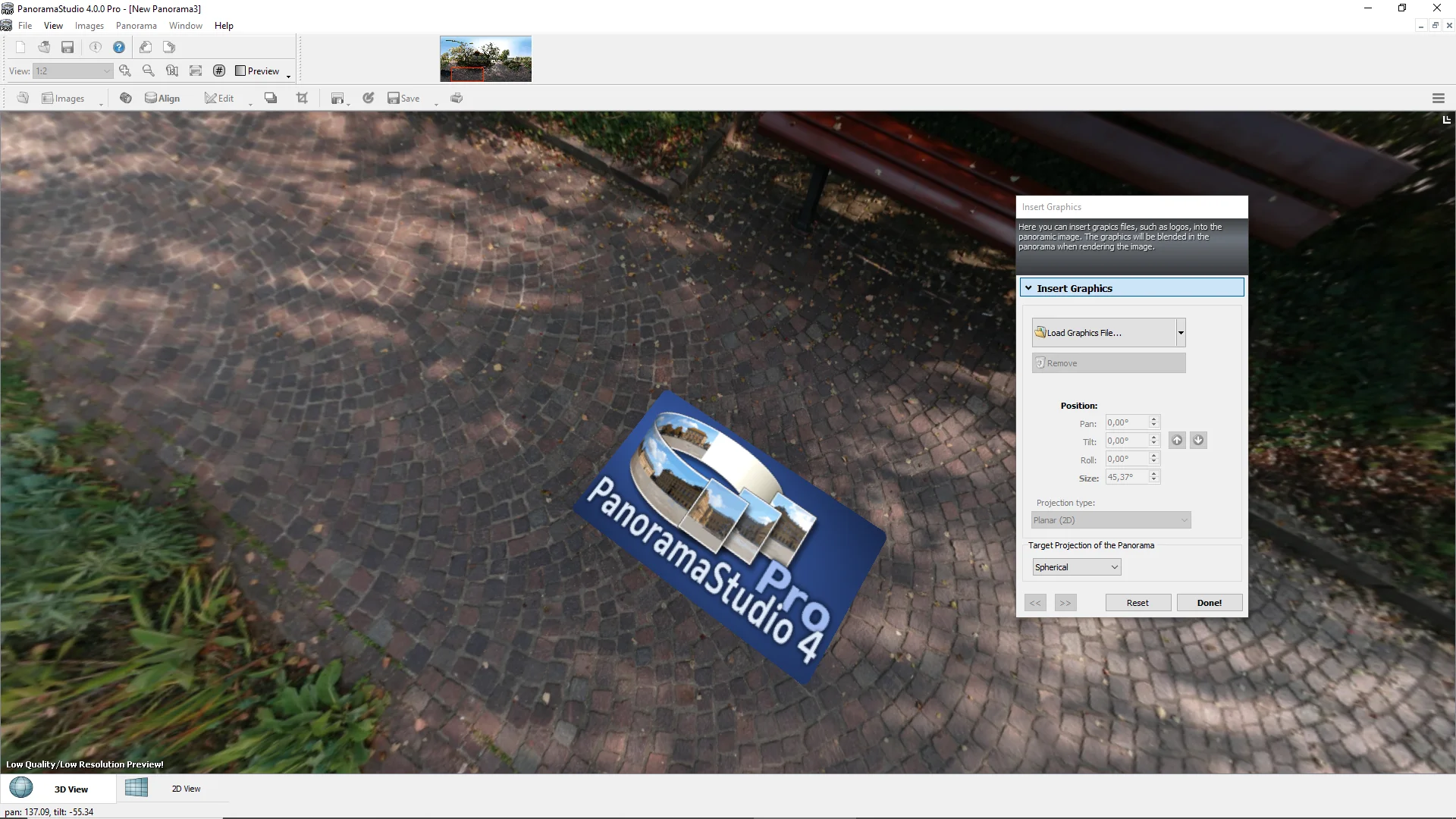 Logos and other graphics can be inserted into the panorama using a straightforward graphics tool.
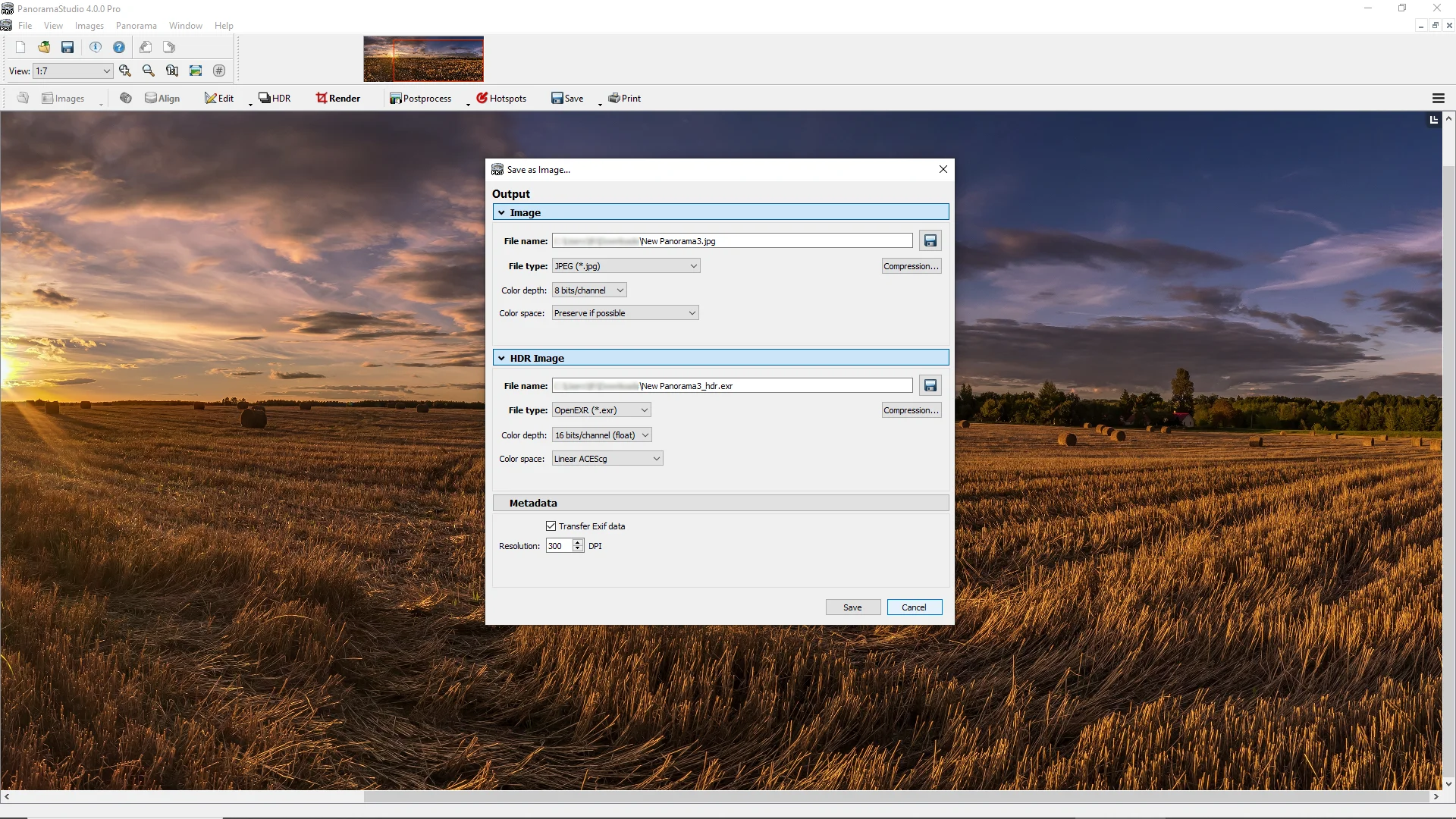 All image material is processed internally with high dynamic range. The PRO version also offers import and export of HDR image formats.
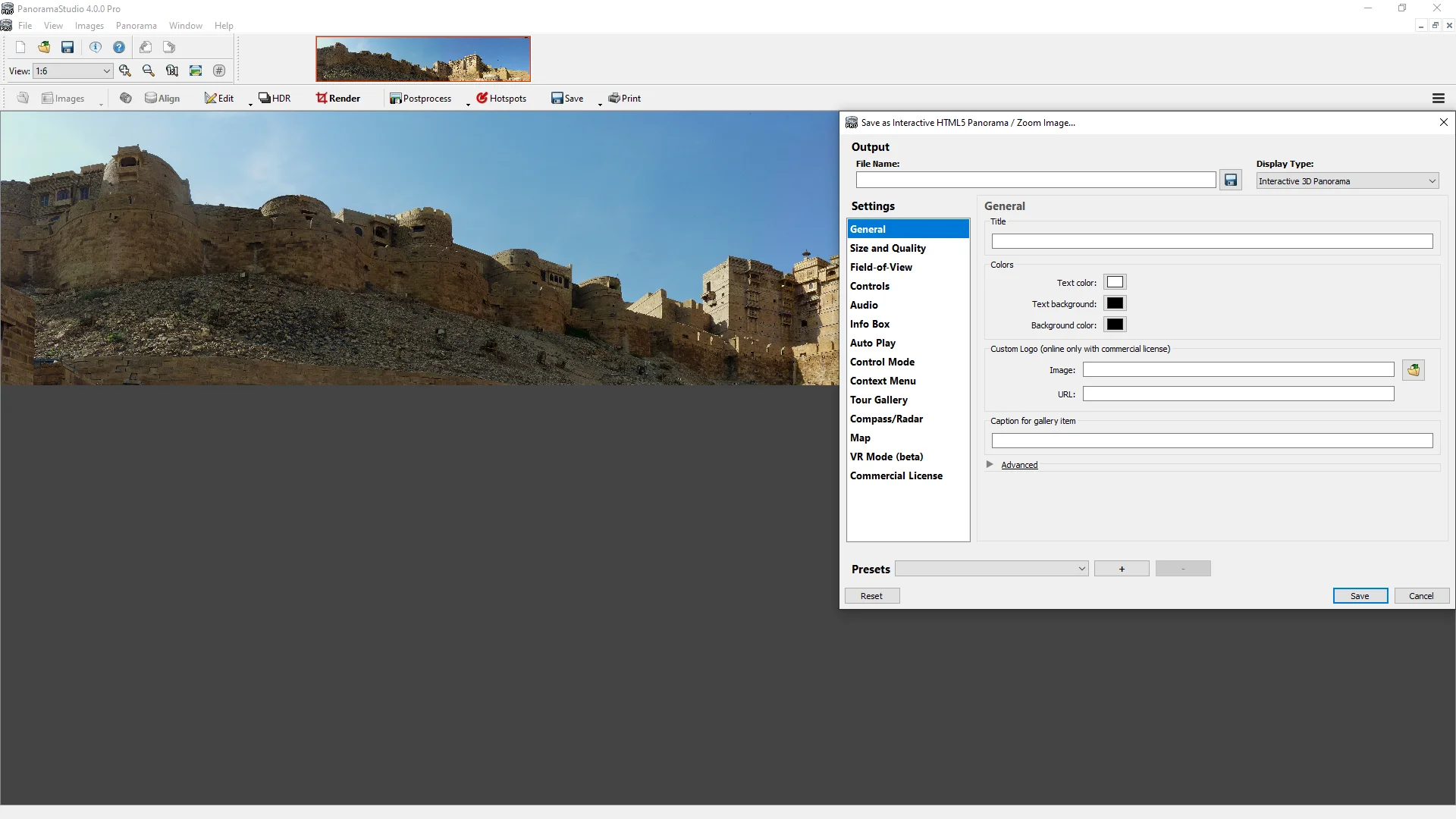 In addition to the output as an image, you can also create and output interactive panoramas for the web and virtual tours directly with PanoramaStudio.
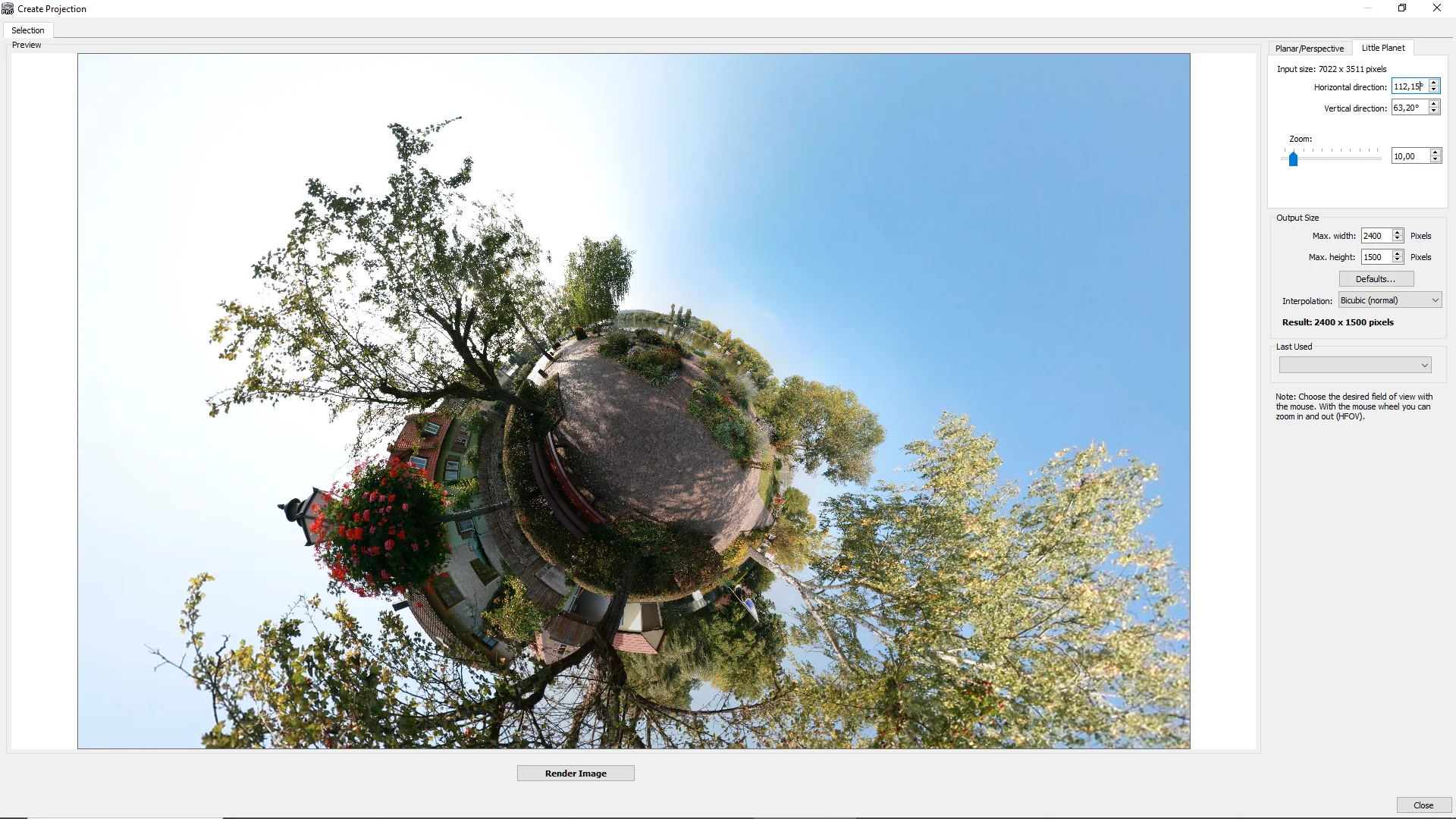 Panoramas can be displayed in different projections. Here you can see a "Little Planet" view.
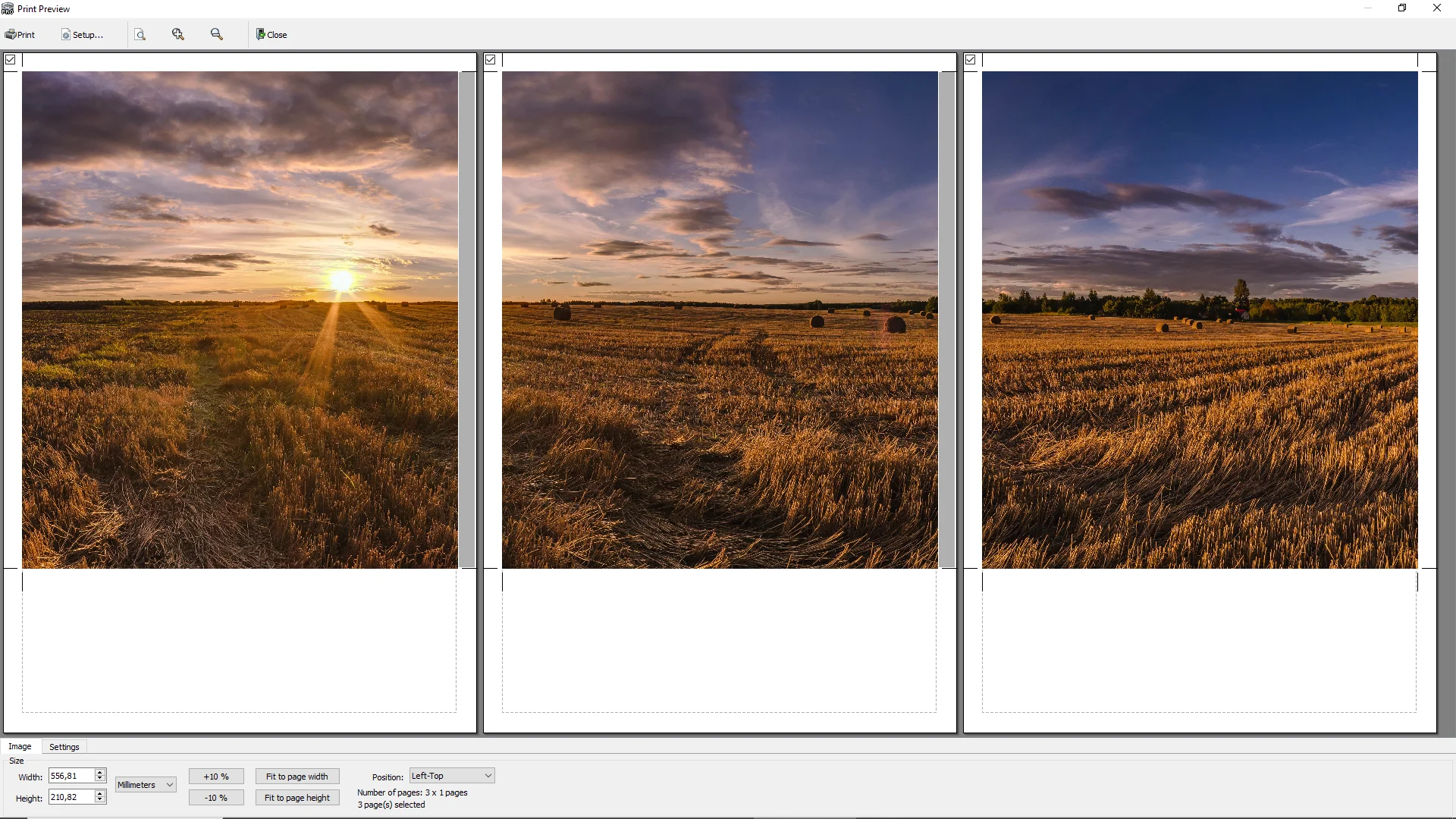 The poster printing function enables large-format printing over multiple pages.
Sample panoramas created with PanoramaStudio can be found in the Panorama Gallery.